How to Manage Guardian Permissions Without Confusion
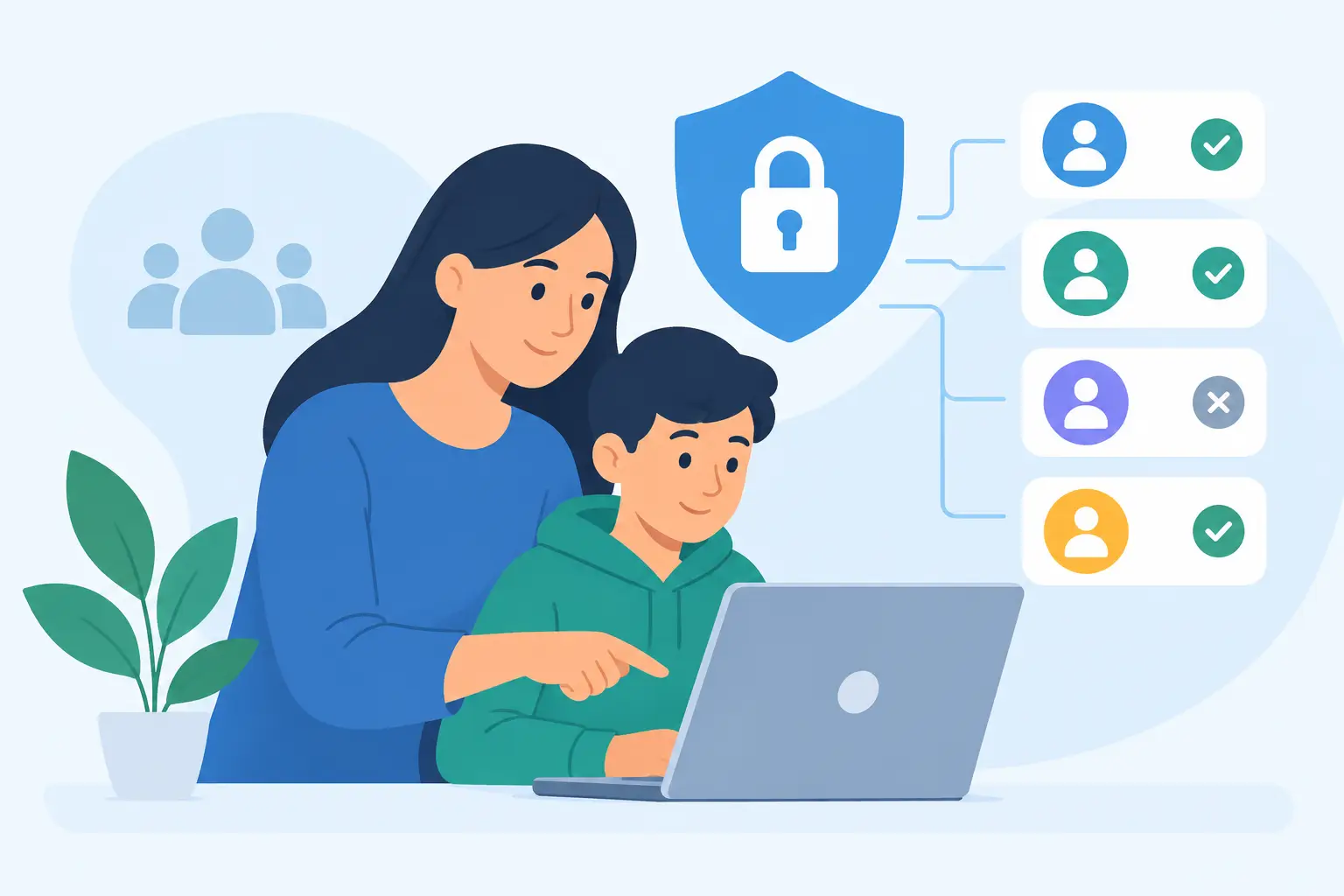
A last-minute practice cancellation is stressful enough. It becomes much harder when your contact list includes minors, multiple households, and no clear record of which adult agreed to receive messages. Knowing how to manage guardian permissions gives your organization a reliable way to reach the right adults while respecting family privacy and communication choices.
For a school activity, youth sports team, faith program, or volunteer group, guardian permissions are not paperwork to file and forget. They are the connection between a minor's membership and the adult who can make decisions, receive updates, and control communication preferences. A clear process protects families and keeps coordinators from guessing when a schedule changes at 4 p.m.
Start with the role, not just the phone number
A phone number alone does not explain who should receive messages. Before adding contacts, decide what each person represents in your records: the participant, a parent or guardian, an emergency contact, a coach, or another approved adult.
For minors, the guardian is usually the communication recipient. The child may be listed as the participant so your organization can connect the household to the correct class, team, grade, or program. This distinction matters when you need to send a message such as, “Tonight's band rehearsal moves to the cafeteria,” without accidentally treating a student’s information as a parent’s consent.
Ask for only the information you need to communicate effectively. In many cases, that means the participant's name, the guardian's name, mobile number, email address if used, relationship to the participant, and the relevant group or program. If your organization needs additional details, such as pickup authorization or medical contacts, keep those fields separate from messaging consent.
That separation makes the system easier to manage. It also helps staff understand what they are allowed to use for a broadcast message and what should remain available only for operational or safety purposes.
Make consent clear at enrollment
The simplest time to collect guardian permission is when a family joins. Put the consent request directly into enrollment instead of asking leaders to chase down approvals after rosters are built.
Your enrollment language should plainly tell guardians what they are signing up for. State your organization’s name, the types of messages they can expect, and the channels you may use, such as SMS, email, or both. A guardian should be able to see that they are opting in to receive team updates, closure alerts, event reminders, or volunteer requests before they submit their number.
Avoid vague phrases such as “communications may be sent.” Families deserve more context than that. A parent who expects occasional schedule reminders may feel differently about recurring fundraising notices. When message categories vary, give families a practical choice where possible, such as selecting a program, team, or campus list.
Permission should come from the adult responsible for the minor, not from an assumption based on a shared household record. This is especially relevant when families are separated, when grandparents handle transportation, or when another adult regularly supports the participant. Your organization may allow more than one guardian contact, but each contact should have their own consent record and their own ability to opt out.
Keep a record you can actually use
Consent is most useful when it answers a simple question quickly: who agreed to receive what, and when?
Maintain a timestamped record of the guardian’s opt-in, the phone number or email address provided, the enrollment source, and the organization or subgroup connected to that consent. If a guardian enrolled through a form, retain that record. If staff entered a contact after receiving written permission another way, document the source and date rather than relying on someone’s memory.
This is not about turning volunteer coordinators into compliance specialists. It is about making ordinary administration dependable. When a parent says they did not sign up, you should be able to review the record, correct an error if one occurred, and respond with confidence.
A centralized platform helps because it keeps enrollment, consent status, and message history in one place. With Rally.msg, administrators can collect consent during self-service enrollment, maintain timestamped consent records, and send operational messages without building separate spreadsheets for every program.
Let each guardian control their own preferences
A guardian’s permission is not permanent just because they opted in once. Phone numbers change, children switch programs, and families may decide that email works better than text messages. Give people a simple path to update contact details and communication choices.
For SMS, recipients must be able to stop messages easily. A clear STOP-based opt-out process does more than meet a messaging requirement. It reassures families that your organization respects their time and their control over their device. Once a number opts out, it should be suppressed from future text broadcasts unless that recipient completes a valid new opt-in process.
Do not ask staff to maintain an informal “do not text” note in a roster. That approach breaks down when a new coordinator takes over or a list is copied into another tool. Suppression needs to happen at the messaging level, where it can be applied consistently every time someone sends an alert.
Email preferences deserve the same care. A guardian may prefer email for routine newsletters but want text alerts for weather closures. Whether you support that level of preference depends on your communication setup, but the principle remains the same: use the channel and list the person agreed to receive.
Set a simple review routine
Guardian permissions need occasional maintenance, especially in organizations with seasonal enrollment or frequent roster changes. The right cadence depends on your group. A year-round school program may review contacts at the start of each term, while a summer camp may confirm them before each session.
Build review points into events that already happen. Registration, team assignments, tuition renewal, program transitions, and annual forms are all natural times to ask families to confirm their details. A short confirmation request is more likely to get a response than a broad email sent months after enrollment.
During each review, check whether the participant is still active, whether the guardian’s mobile number and email are current, whether multiple guardians should remain connected, and whether the contact belongs in the right message groups. Remove or archive records that no longer have an operational purpose according to your organization’s retention practices.
This is also the time to correct one common mistake: sending every message to every guardian. A district-wide closure may justify a broad list. A fifth-grade field trip reminder does not. Group-based permissions and accurate membership fields reduce irrelevant messages, which makes families more likely to pay attention when an urgent update arrives.
Limit administrator access
Permission management is not only about what families see. It also depends on what staff and volunteers can do behind the scenes.
Give administrators access based on their responsibilities. A program director may need to manage all guardian records. A coach may only need to send to the families assigned to one team. A volunteer helping at an event may need a check-in list but not access to phone numbers or enrollment history.
Smaller organizations often worry that access controls sound too formal for their needs. In practice, clear roles reduce confusion. They prevent duplicate outreach, accidental edits, and the uncomfortable situation where a former volunteer still has a downloaded contact list.
Use a shared organizational account rather than a coordinator’s personal phone or private email list. When leadership changes, your contacts, consent history, and message workflow stay with the organization. That continuity matters when an emergency alert cannot wait for someone to locate last season’s spreadsheet.
Handle exceptions with care
Not every family arrangement fits a standard registration form. A student may have two households. A legal guardian may not be the person who manages day-to-day transportation. A participant may be old enough to receive some communications directly while a guardian still needs program notices.
Do not force these situations into a single contact field. Record the appropriate adults separately, collect permission from each recipient, and apply your organization’s policies consistently. If there is uncertainty about who may receive sensitive information, pause and verify with the authorized program administrator rather than making a judgment call during a busy afternoon.
It also helps to distinguish between ordinary operational messaging and sensitive student information. A rain delay can go to the relevant guardian list. Information about discipline, health, finances, or individual support needs usually requires a more restricted communication process. Permission to receive general text updates does not automatically mean every detail belongs in a broadcast.
Make the right action easy when time is short
The best guardian permission process is one your team can follow on the busiest day of the year. A new coordinator should be able to see who belongs to a group, which adults have consented, and which numbers are no longer eligible for SMS without sorting through notes from three different people.
Keep enrollment clear, store consent with the contact record, honor opt-outs immediately, and review records at predictable points. Then, when the gym loses power or practice moves because of weather, your team can focus on the message itself: one accurate update to the adults who asked to receive it.